

The Complete Beginner’s Guide to Trello (2026 Edition)
If you’re bootstrapping a business, chances are you’ve tried to manage everything in your head, your notes app, Google Docs, or a messy to-do list that keeps growing.
You don’t need another complicated tool.
You need clarity.
That’s why Trello remains one of the most popular project management tools for founders in 2026. It’s simple, visual, and easy to start, especially if you’re working solo or with a small team.
In this guide, you’ll learn:
- What Trello is and how it works
- when it’s the right tool (and when it’s not)
- How to use Trello for content, tasks, and client work
- How the free plan compares to paid upgrades
If you’re still deciding which project management tool fits your business best, read my full guide on Project Management Tools for Bootstrapping Founders.
What Is Trello? (Beginner-Friendly Explanation)
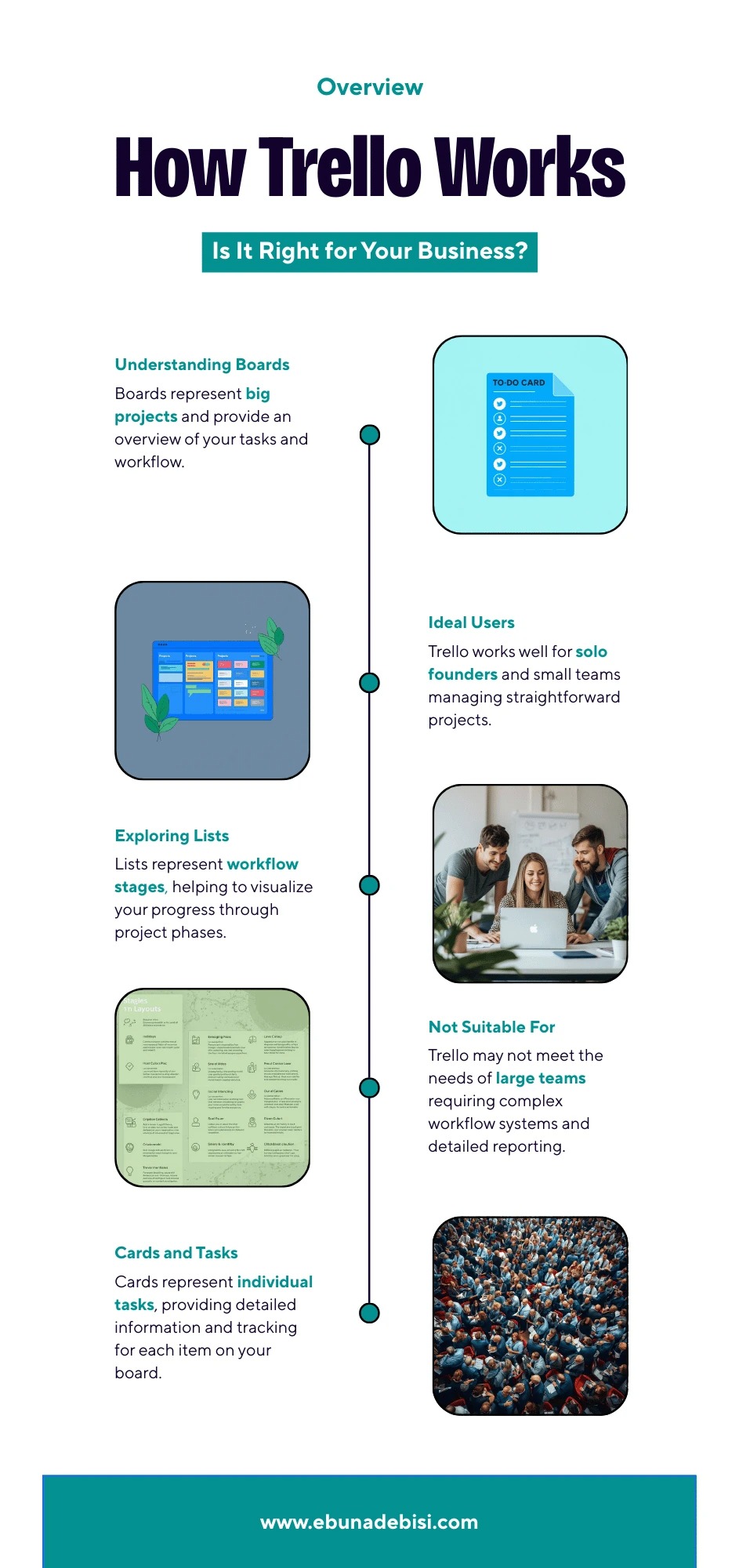
Trello is a visual project management tool based on boards, lists, and cards.
Think of it like a digital whiteboard where you can:
- see everything at a glance
- move tasks as work progresses
- stay organized without complex setups
How Trello Works
- Boards → big projects (e.g., “Content Planning,” “Client Work”)
- Lists → stages (To Do, In Progress, Done)
- Cards → individual tasks
This structure makes Trello ideal for founders who think visually and want a fast setup without overwhelm.
Edit this block to edit the article content or add new blocks...
Best Use Cases for Founders Using Trello
Trello works best when your business needs are simple, visual, and flexible.
Trello Is Great For:
- Solo founders and freelancers
- Small teams (1–5 people)
- Content planning
- Basic task tracking
- Client project management
Trello Is NOT Ideal For:
- Large teams with complex workflows
- Advanced automation needs
- Detailed reporting and analytics
For more advanced or all-in-one tools, check the Task & Project Management Tools.
Trello Free Tier Walkthrough (What You Get in 2026)
The free plan is one of the reasons Trello is so user-friendly for beginners.
What’s Included in the Free Plan
- Unlimited cards
- Up to 10 boards per workspace
- Basic automations
- File attachments (up to 10MB)
- Mobile and desktop apps
Limitations to Know
- Limited Power-Ups
- No advanced admin controls
- Basic automation only
For many bootstrapping founders, the free plan is more than enough to get started.
Understanding Trello Power-Ups (Simply Explained)
Power-Ups are Trello’s add-ons that extend the capabilities of your boards.
Popular Power-Ups for Founders
- Calendar Power-Up – visualize deadlines
- Google Drive – attach files easily
- Slack – get task notifications
- Butler – simple automations
Tip: Start with 1–2 Power-Ups max to avoid overwhelm.
If automation is a priority, you may also want to explore tools like ClickUp or Zapier (covered in the pillar guide).
How to Use Trello for Common Founder Workflows
1. Content Calendar Setup
Create lists like:
- Ideas
- Writing
- Editing
- Scheduled
- Published
Each card = one piece of content.
This works well for blog posts, social media, and email planning.
2. Task Management Board
Use lists such as:
- To Do
- In Progress
- Waiting
- Completed
Add due dates, checklists, and labels to keep tasks clear.
3. Client Project Management
Create one board per client or one board with lists per client.
Each card can include:
- deliverables
- deadlines
- files
- notes
If you manage multiple clients and contractors, see the Recommended Tool Stacks for Service Providers section in the pillar page.
When Should You Upgrade Trello?
You should consider upgrading if:
- You manage multiple teams
- You need advanced automation
- You want unlimited Power-Ups
- Your workflows feel “too manual.”
Paid Plans Unlock
- Unlimited boards
- Advanced automation
- More Power-Ups
- Better team controls
Compare Trello with more advanced tools in the comprehensive 'Project Management Tools for Bootstrapping Founders' guide.
Trello vs Other Tools (Quick Perspective)
- Trello → best for simplicity and visuals
- ClickUp → best for all-in-one systems
- Notion → best for documentation + systems
- Asana → best for structured team collaboration
There’s no “best” tool — only the best tool for your current stage.
Is Trello Right for You?
Trello is a fantastic starting point if:
- You’re bootstrapping
- You want clarity fast
- You don’t want a steep learning curve
Start simple. Build consistency.
And upgrade only when your business truly needs it.
Next step:
Read the full pillar guide:
The Ultimate Guide to Project Management Tools for Bootstrapping Founders (2026 Edition)
0 Comments Add a Comment?